For two decades, the response to a phished account has been the same: reset the password, revoke the sessions, move on. A new criminal toolkit is built specifically to make that response fail.
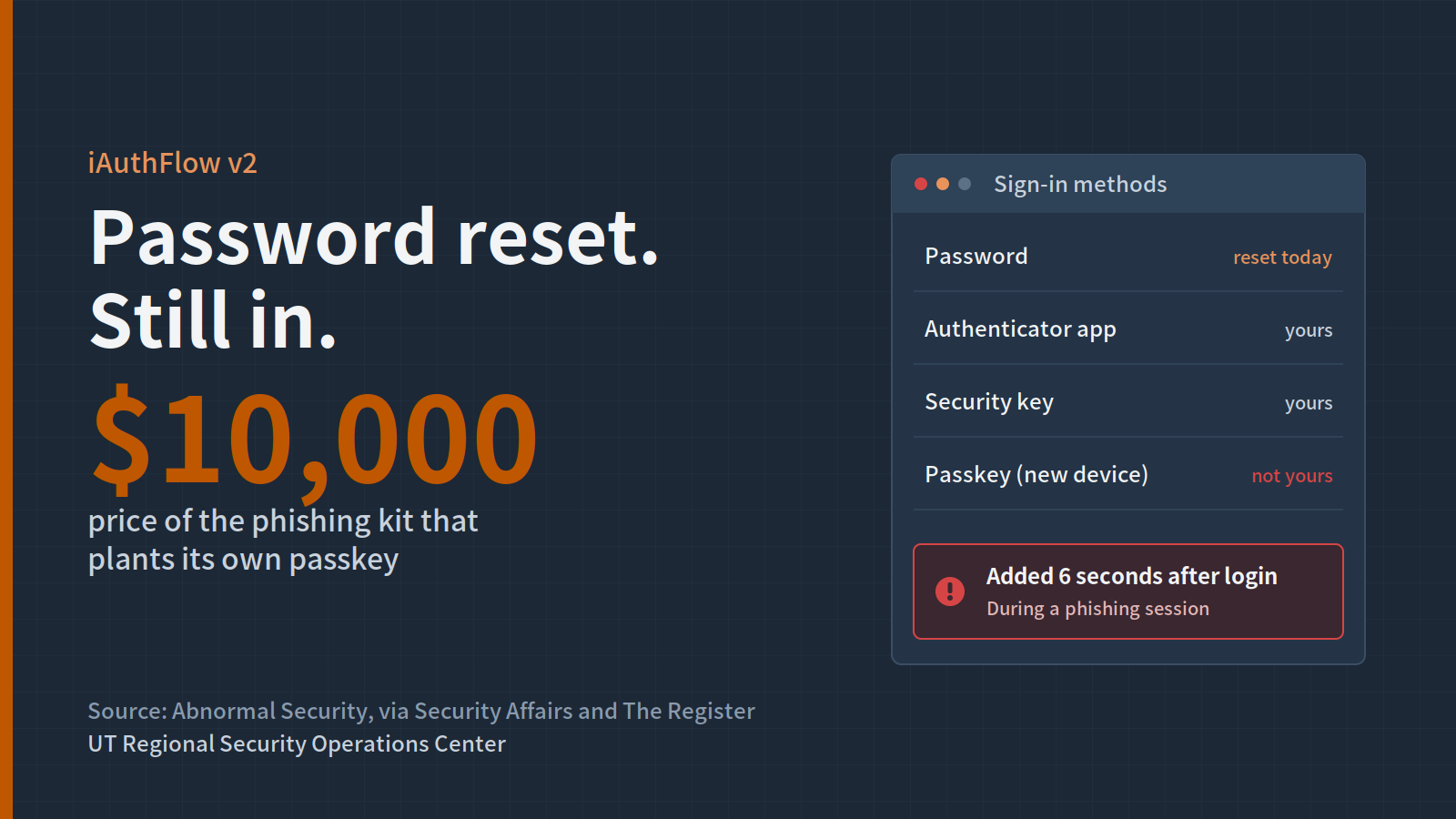
Abnormal Security researchers analyzed iAuthFlow v2, sold on a Russian-language cybercrime forum for a $10,000 base price with add-on modules. Its main target is Google accounts, and the seller also advertises versions for Microsoft, iCloud and LinkedIn.
What happened
- The victim sees a real-looking login. The kit runs a browser-in-the-middle attack. The victim types their email, password and two-factor code into a convincing page, often on a trycloudflare.com address with a valid certificate.
- The attacker's browser logs in for real. Everything the victim enters is relayed to a browser on the attacker's server, which completes the genuine Google login.
- A "Verification, Processing" screen buys time. While the victim waits, the kit uses the live session to register a passkey on a device the attacker controls. Reporting puts this at about six seconds.
- The password reset changes nothing. In the seller's demo, the account owner changes their password, the attacker's session dies, and the attacker simply signs back in with the planted passkey.
Abnormal notes it could not verify every claim in the seller's materials, but the mechanism is sound. Its takeaway for defenders: recovery cannot end with a password reset.
Why it matters for Texas institutions
Many Texas campuses, school districts and agencies run on Google Workspace or Microsoft 365, and many are rolling out passkeys right now as the phishing-proof upgrade. Passkeys are still a big improvement. The catch is that enrolling a new passkey is its own trust decision, and an attacker holding a live session can make that decision for the user.
Help desks are the front line. If your compromised-account checklist stops at a reset, a phished student, faculty member or employee may stay compromised for months.
What your institution should do
- Add authenticator review to every account recovery. List and remove any passkeys, security keys, app passwords and MFA methods the user did not add.
- Alert on new passkey enrollment. Especially when it happens minutes after a sign-in from a new location or device.
- Require re-authentication to add authenticators. Where your identity platform allows it, make adding a passkey demand a fresh, strong sign-in.
- Disable app passwords. They are another persistence path this kit can target.
- Update phishing training. Teach users that a login page followed by an unexpected "processing" screen is a red flag worth reporting.
RSOC is here to help
RSOC can help review your identity logs for suspicious authenticator changes and update your account-compromise playbook. Contact rsoc@utexas.edu.
Sources: Security Affairs · The Register · SecurityWeek · xHack