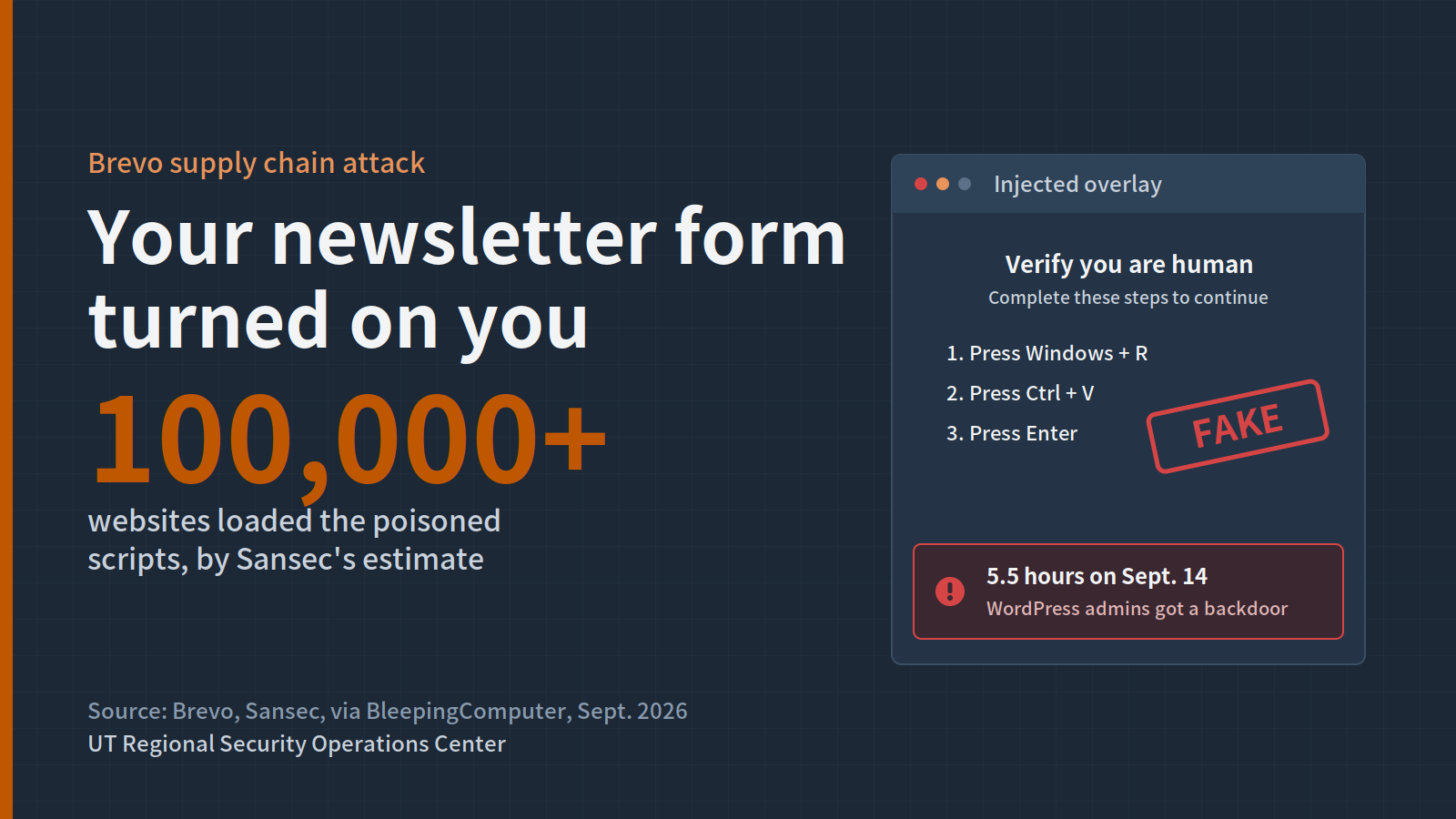
Your website team did nothing wrong. They embedded a newsletter signup form from Brevo, the email marketing platform formerly known as Sendinblue, just like thousands of other organizations. On the afternoon of Sept. 14, that trusted form script started attacking your visitors.
What happened
Brevo confirmed that attackers obtained a long-lived Cloudflare API key with full account permissions that had been stored in its application source code. With it, they created a malicious Cloudflare Worker that rewrote Brevo's content as it passed through the CDN.
For roughly five and a half hours, the Worker modified pages on brevo.com, sendinblue.com and sibforms.com, plus the forms script, Conversations chat widget and SDK loader that customers embed on their own sites. Because the changes happened in transit, Brevo's own servers looked clean. The Worker also stripped Content-Security-Policy headers, removing a browser control that might have blocked the injected code.
The malicious code chose its victim:
- Ordinary visitors saw a full-screen fake Cloudflare verification page, then "ClickFix" instructions to paste a command into Windows and run it. That included people who clicked unsubscribe links in Brevo emails.
- Logged-in WordPress administrators were silently served a backdoor plugin disguised as "Web Media Optimizer," which hides from the plugin list and copies itself into the must-use plugins folder.
Security firm Sansec, which first reported the scope, estimated more than 100,000 customer sites loaded the poisoned scripts. Brevo says its email delivery, API and customer account data were not affected.
Why it matters for Texas institutions
University departments, alumni offices, athletics, libraries, cities and counties embed third-party marketing tools on their websites all the time, often without central IT ever knowing. Many of those sites run WordPress, and many have administrators who stay logged in while editing pages.
That means two risks at once: staff and the public may have been tricked into running malware on their computers, and your site may now carry a hidden backdoor even though the Brevo scripts are clean again.
What your institution should do
- Find Brevo and Sendinblue embeds. Search your web properties for cdn.brevo.com, sibforms.com and sendinblue.com scripts.
- Check WordPress sites for the backdoor. Look for a "Web Media Optimizer" plugin and unexpected files in wp-content/mu-plugins.
- Review endpoint alerts from Sept. 14. Look for PowerShell or Run-dialog commands that followed a visit to a site with Brevo widgets.
- Inventory third-party scripts. Know which outside vendors can run code on your pages, and remove ones nobody uses.
- Teach the ClickFix rule. No legitimate website will ever ask you to paste a command into your computer to prove you are human.
RSOC is here to help
RSOC can help you inventory third-party scripts across your web presence and hunt for the WordPress backdoor described above. Contact rsoc@utexas.edu.
Sources: BleepingComputer · eBuilder Security · Decryption Digest · GBlock