Late Thursday morning, Outlook stopped connecting. Messages sat unsent, calendars went blank and shared mailboxes stopped updating. Help desks across Texas started fielding calls, and some IT staff tried to coordinate in Teams only to find that parts of it were failing too. Others checked Microsoft's status page and found it wasn't loading reliably either. For nearly a full day, many campuses had to figure out how to run without the system they use to tell everyone what is going on.
What happened
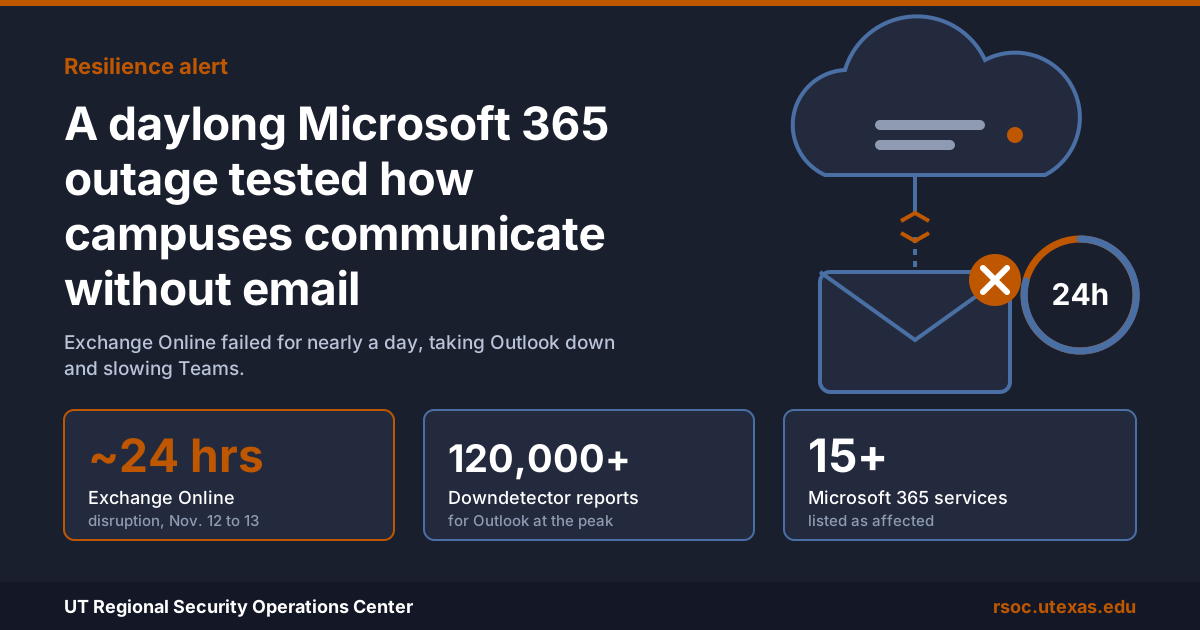
The disruption began at 10:20 a.m. Central time on Nov. 12 and lasted until 10:10 a.m. on Nov. 13. Exchange Online took the hardest hit. Most users could not reach their mailboxes through Outlook or other mail clients, and email was delayed for many more. At the peak, Downdetector logged more than 120,000 reports of problems with Outlook in the United States.
The damage spread to every service that depends on Exchange. Microsoft's list of affected services included Teams, SharePoint Online, Microsoft 365 Copilot, Intune, Purview, Planner, Defender XDR, Defender for Office 365 and Microsoft 365 Education. Mail backlogs lingered for some customers into Nov. 14.
Microsoft said there was no indication of a cyberattack. Its preliminary incident report, released Nov. 15, traced the failure to a combination of routine changes. About 15 hours before the outage, Teams traffic automatically shifted from a backup gateway to the primary gateway that also serves Exchange Online. A software change rolled out to those gateway servers since July contained a hidden bug that reduced their capacity. When servers began failing health checks and dropping out, the remaining servers absorbed their load until they were overwhelmed as well. Servers that engineers restarted often failed again as soon as traffic returned.
Why it matters for Texas institutions
Most Texas universities, community colleges and state agencies run on Microsoft 365. Thursday's outage landed in the middle of the semester, just ahead of Thanksgiving break and end-of-term deadlines for registration, financial aid and grading.
The outage was not a security incident, but it offered a preview of one. Ransomware attacks often take email and collaboration tools offline, sometimes on purpose. If your incident response plan assumes the response team will coordinate in Teams and notify the campus by email, Thursday showed how fragile that assumption is.
Security tools were affected as well. Defender for Office 365 was on Microsoft's list of degraded services. Many security teams also route alerts, ticket intake and password reset messages through Exchange, so those channels slowed or stopped right when staff needed them.
What your institution should do
Build a communication plan that does not depend on Microsoft 365. Decide in advance how you will reach leadership, IT staff and the campus community if email and Teams are unavailable. Options include your emergency notification system, text messaging, a phone tree and a status page hosted outside Microsoft 365.
Know where to get reliable status information. Microsoft posts updates in the Microsoft 365 admin center and on its Microsoft 365 Status account on X. Make sure several administrators can reach the admin center, and consider pulling service health data automatically so you are not relying on a single web page.
Map what breaks when Exchange breaks. Identify the processes that quietly depend on Exchange Online, such as help desk ticket intake, security alert notifications, workflow approvals, scanners and password reset emails. Each one should have a fallback.
Keep critical security alerts on a separate channel. Send high-priority alerts by text message, paging or a second platform as well as email. After an outage, review mail that arrived late or out of order. Expect phishing messages that use the outage as a lure, such as fake requests to "reverify" a mailbox.
Practice a long cloud outage. Run a tabletop exercise built around losing email and Teams for 24 hours, and include your communications and emergency management staff. Afterward, check whether the outage qualifies for service credits under your Microsoft agreement.
RSOC can help constituent institutions plan out-of-band communications, review alerting dependencies and design tabletop exercises for cloud outages and cyberattacks. Contact the RSOC team at RSOC@utexas.edu or visit rsoc.utexas.edu.