A grad student builds a sign-up app for a research study over a weekend. A department spins up a scheduling tool with an AI coding assistant. A city team launches a quick public portal. It works, it looks great, and anyone who knows where to look can read every record in its database.
That is the pattern UpGuard Research documented in late September, in what it calls the largest study of its kind on Supabase, a popular backend platform for web and mobile apps.
What happened
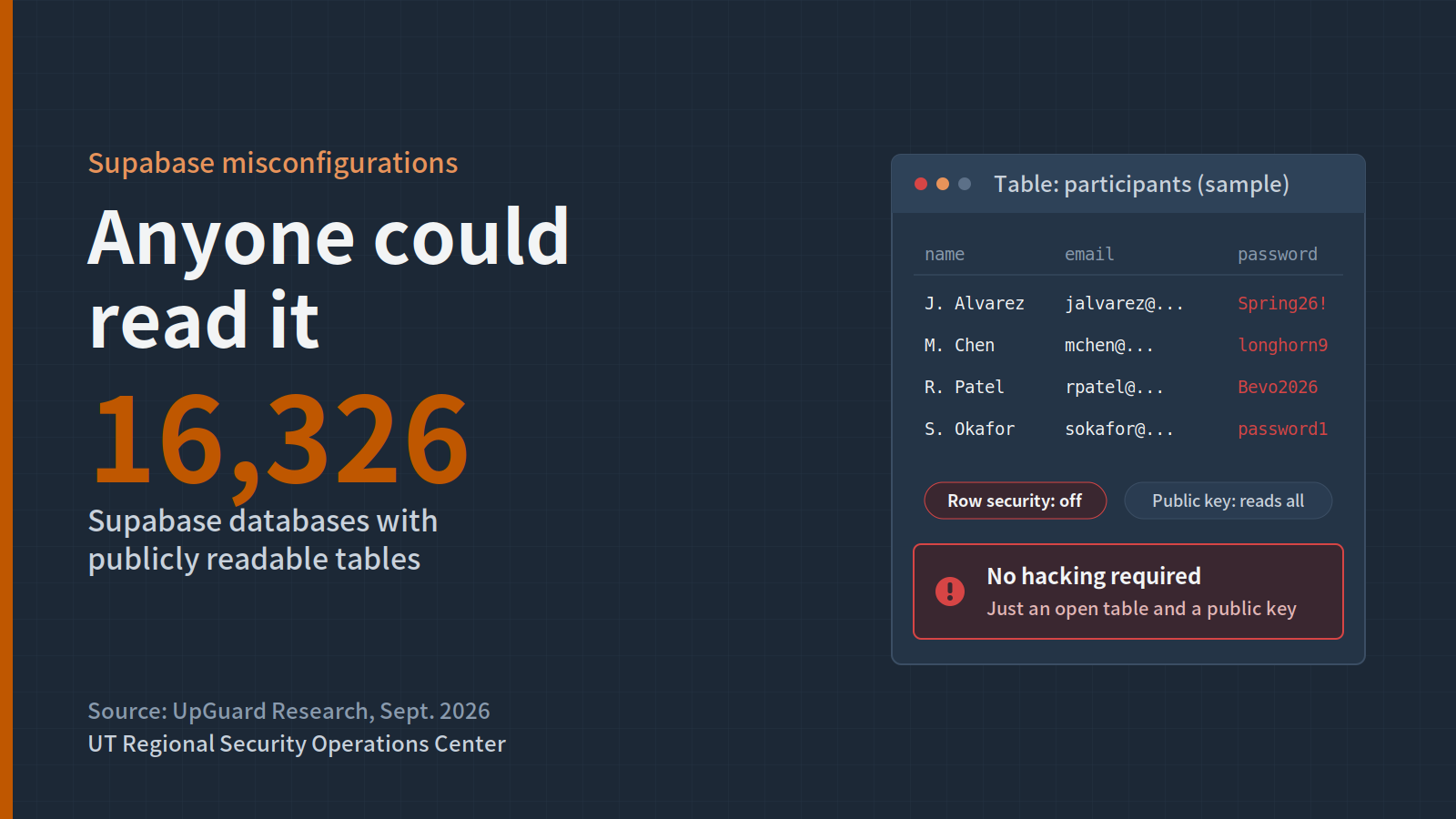
UpGuard scanned roughly 300,000 domains using Supabase and found 16,326 databases with publicly readable tables. More than half showed signs of personally identifiable information. Some exposed plaintext passwords, authentication tokens, one-time passcodes and a small amount of credit card data.
Examples included a U.S. valet service with over 100,000 customer records and a Canadian immigration service with nearly 5,000 records, including 884 plaintext passwords.
Nothing was hacked. The root causes were configuration mistakes:
- Missing or broken row-level security. Supabase relies on Postgres row-level security policies to control who can read which rows. Without them, the public key that every app ships with can read the whole table.
- Public keys treated as secrets. Developers assumed the key embedded in their app's front end was private. It is not.
UpGuard ties much of this to AI-assisted development, which now accounts for more than 60% of new Supabase databases. The people shipping the apps often did not know how the database underneath was secured. Supabase says projects are secure by default, but customers control their own configuration.
Why it matters for Texas institutions
Campuses are full of builders: students, researchers, staff and faculty who can now ship a working app in an afternoon. Cities and agencies are experimenting with the same tools. Most of those apps never pass through a security review, and many collect exactly the data that matters, like names, emails, student IDs, research participant details or health information.
If one of those apps leaks, it is still your institution's data and your institution's name in the headline.
What your institution should do
- Find the apps. Ask departments and research groups what they have built on Supabase, Firebase and similar platforms, and look for them in your web scans.
- Turn on row-level security for every table. Then test it by querying as an anonymous user.
- Keep secrets out of the front end. Never ship the service role key in client code, and rotate any key that was exposed.
- Do not store plaintext passwords. Use the platform's built-in authentication or your institution's SSO instead.
- Offer a lightweight review. Give builders a short checklist or office hours before an app goes live with real data.
- Set expectations for AI coding tools. Generated code still needs someone who understands the security settings.
RSOC is here to help
RSOC can help discover public-facing apps tied to your institution and check them for exposed data. Contact rsoc@utexas.edu.
Sources: UpGuard Research · Cybernews · daily.dev summary of BleepingComputer